How to Integrate your Ecwid store with Deftship
DeftShip offers innovative shipping solutions tailored to meet your business requirements.
Ensuring customer retention is vital, which is why DeftShip streamlines the time-consuming shipping process, giving you more opportunity to prioritize your customers.
Connect your Ecwid store account to your Deftship
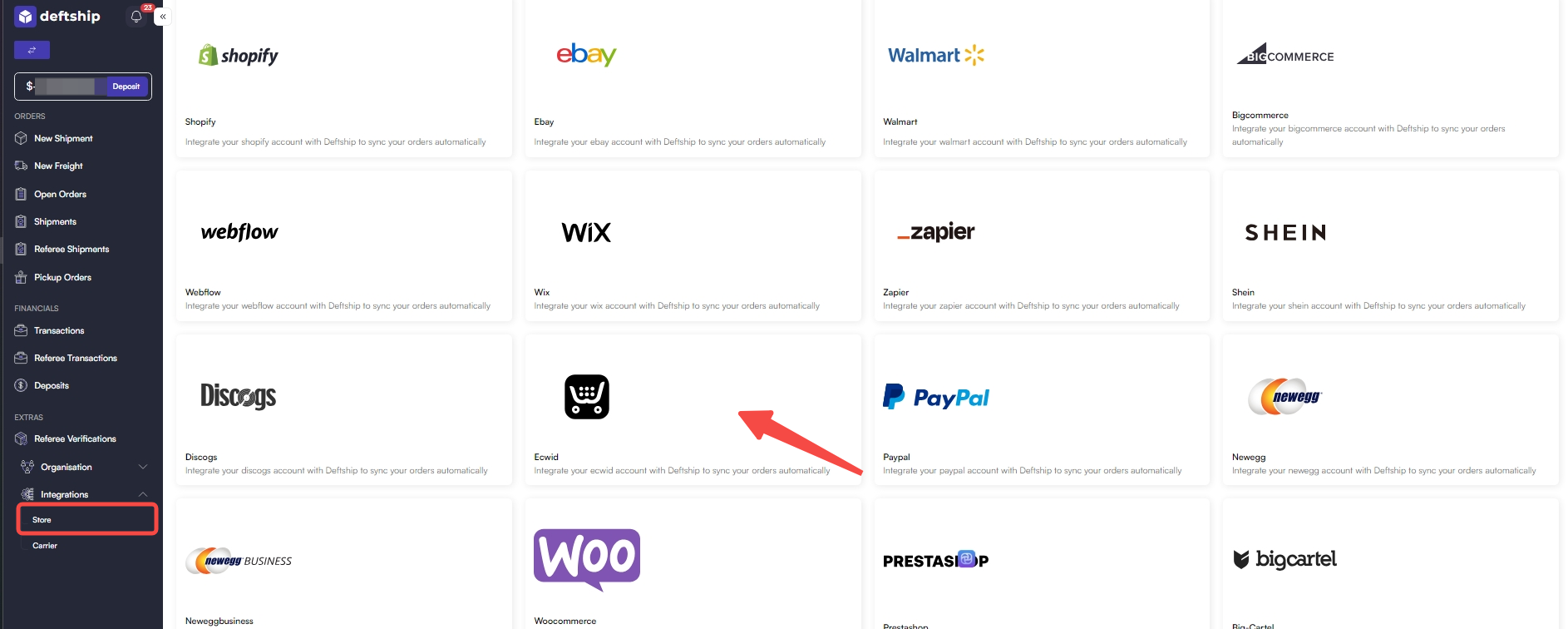
2. On the left sidebar, look for Integrations at the bottom and find Store. Then, click on Connect New Store.


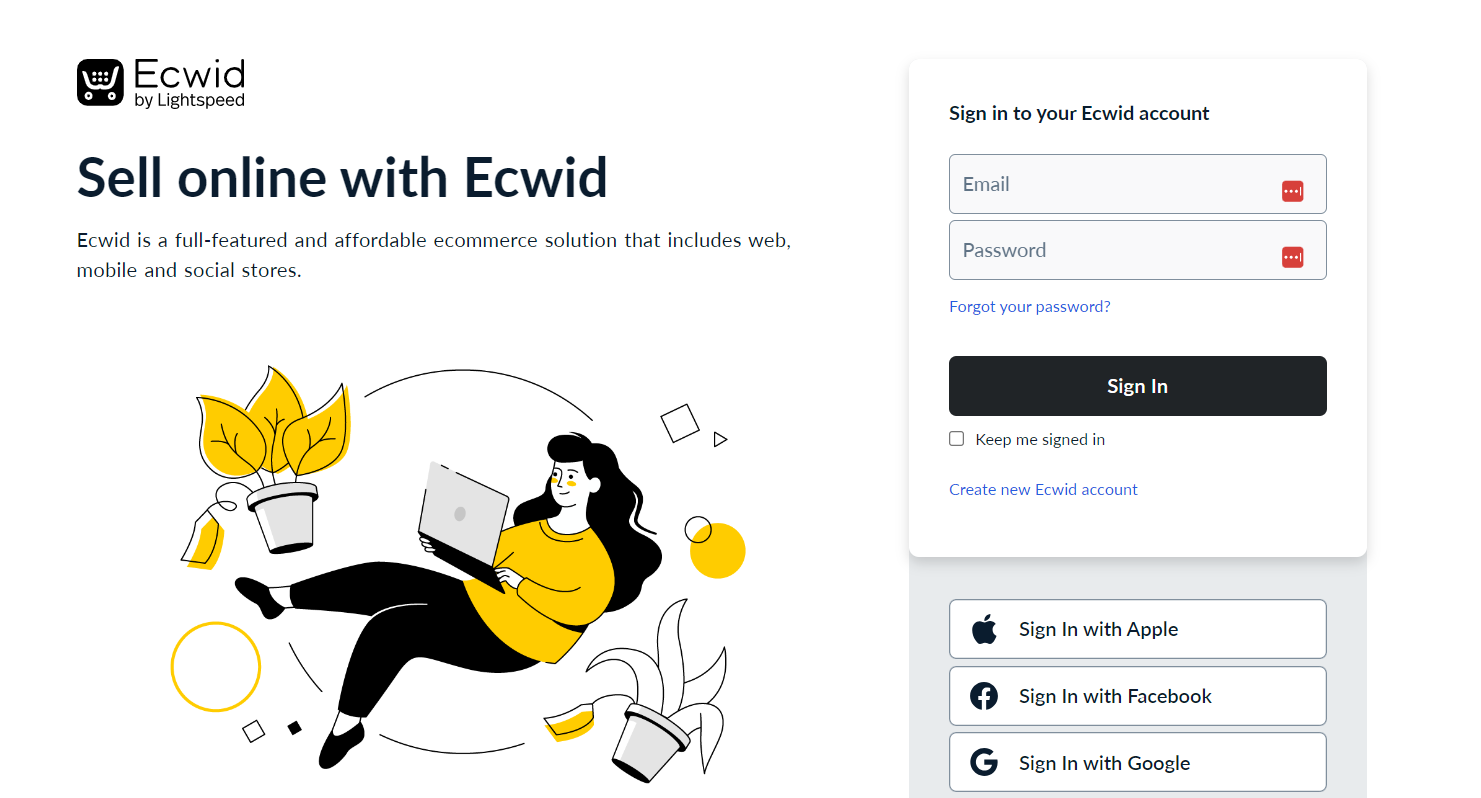
4. Log in to your Ecwid account.
2. On the left sidebar, look for Integrations at the bottom and find Store. Then, click on Connect New Store.
Key Features:
- Finding highly discounted rates
- Integration with USPS, UPS, and DHL Express
- Significant discounts with other global carriers
- Deep discounts with major freight carriers
- Automated and organized fulfillment process
- Easy plug-and-play installation without coding
- Link your existing carrier account or choose from discounted options
- Generate labels and book freight effortlessly using saved shipping information
- Print packing slips and labels with just a few clicks, for individual or bulk packages
- Import hundreds of orders from your Ecwid store and manage them in one place
- Access discounted insurance for added package security
- Customize logo labels to effectively promote your brand in a cost-effective manner.
- Rate at Check out enables the customers to conveniently choose the most favorable rate for their shipment
What is Rate at Check out feature?
Upon integration, real-time shipping rates will be enabled during the checkout process on Ecwid. These live rates offer details on the most cost-effective, valuable, and quickest shipping options for the customer's order, significantly improving the chances of a successful conversion.
Here is an example of the displayed shipping rate during the checkout process: